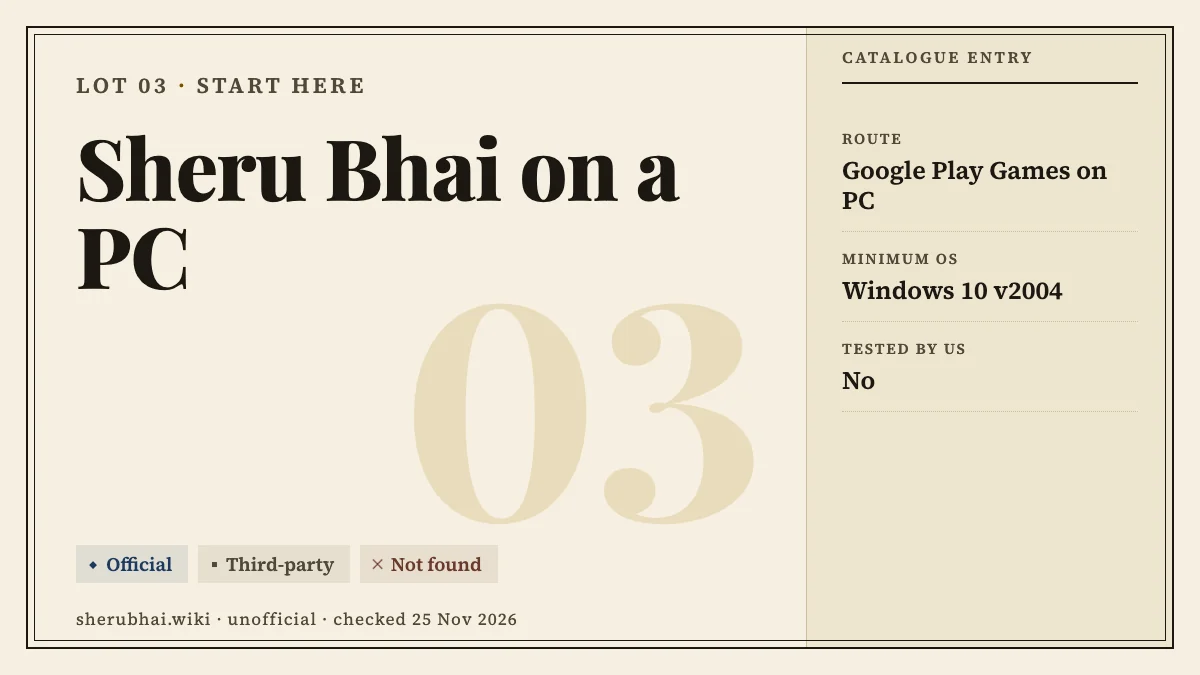
Sheru Bhai on PC: Google's route
Sheru Bhai Life Simulator Game on Windows is listed through Google Play Games on PC, not as a separate download from Skorax. Google hosts a PC store page with the same title, description and download figures as the Android listing, and a panel that says you play on your Windows PC with Google Play Games. We have read store text and help pages only; nobody on this wiki has installed the PC client or run Sheru Bhai on a computer.
What the "Android, Windows*" line means
On 25 November 2026 the main Google Play listing for Sheru Bhai shows Available on Android, Windows* with a footnote *Powered by Intel ® technology. That matches Google's PC offering for eligible Play titles. The dedicated PC store page repeats the listing and adds Play this game on your Windows PC with Google Play Games.
The same PC page advertises sync across devices with a footnote: *Might not be available for this game. Treat cross-device saves as uncertain unless Google or your own account proves otherwise.
Minimum and recommended PC specs
Google publishes requirements on the PC store page and in Play Help. They apply to Google Play Games on PC, not to unofficial emulator pages you might see in search (those quote different, lower numbers and are Third-party only).
| Requirement | What Google states | Label |
|---|---|---|
| Operating system | Windows 10, version 2004 or newer | Official |
| Storage | SSD with 10 GB available | Official |
| Graphics | Intel UHD Graphics 630 or comparable (minimum); gaming-class GPU such as GeForce MX450 recommended | Official |
| Processor | 4 physical CPU cores minimum; 8 logical cores recommended | Official |
| Memory | 8 GB RAM | Official |
| Account | Windows administrator account; hardware virtualisation enabled | Official |
| Play account | Personal Google Account; Play country in a supported region (India is listed) | Official |
Skorax publishes no Android or PC performance notes in the listing text itself (Not found on the Play page).
Condition note: Sizes on your phone and on PC can differ from mirror sites' APK figures. Google's 10 GB free space is for the PC platform, not a Skorax file-size claim.
How Google says to install
Google's help describes these steps (Official):
- Go to google.play/games and download the Google Play Games on PC installer.
- Open the downloaded file and follow the prompts.
- Sign in with the same Google Account you use on your phone.
- If prompted, turn on Windows Hypervisor Platform. Many games also need CPU virtualisation enabled in the BIOS.
After the client is running, open Sheru Bhai Life Simulator Game from the Play Games library or from its PC store listing. The Sheru Bhai listing showed 1M+ downloads on 25 November 2026. Google describes the service as available in more than 140 regions.
For touch-style play on a desk setup, see how creators use on-screen controls on phones in our phone controls notes. PC keyboard mapping is something we have not verified.
What we could not test
We have not installed Google Play Games on PC or run Sheru Bhai Life Simulator Game on Windows, so we cannot report frame rate, load times, control comfort or whether ads behave like on Android. Creators' videos are all phone recordings; they are not evidence for the PC build.
We also cannot confirm whether purchases, cloud saves or the Nov 23 Sheru Bhai update features behave identically on PC. Check the listing after install and treat this page as a catalogue of Official platform requirements only.
Other "PC" results you may see
Search for Sheru Bhai game PC often surfaces routes that are not the Skorax Android game:
| Route | What it is | Label |
|---|---|---|
| Google Play Games on PC | Same Skorax listing, Windows client by Google | Official |
| Emulator install guides | Third-party pages with their own RAM and disk figures | Third-party |
| Fan-made browser game at another domain | A 2D game; its own FAQ says it is inspired by the Play title but is not the Skorax 3D app | Third-party |
| Astrocade / PlayDrop user games | User-published browser titles; pages do not link to Skorax | Third-party |
| Official Skorax browser build | — | Not found |
We link to none of the mirror, mod or emulator sites. For the real app package and safe install path, use download on Google Play. For full spec tables including Android mirrors, see system requirements. iPhone owners have no App Store listing for this game; Windows is the only extra platform Google lists today.
Condition note: Installing APK files from random sites bypasses Play Protect. If you sideload on any device, read our safety page first.
Sources
- Google Play listing, Sheru Bhai Life Simulator Game (checked 25 November 2026)
- Google Play PC store page for the same game (checked 25 November 2026)
- Google Play Games on PC minimum requirements (checked 25 November 2026)
- Install Google Play Games on PC (checked 25 November 2026)
- Google Play Games on PC home page (checked 25 November 2026)
Notes on this lot
Is there a PC version of Sheru Bhai Life Simulator Game?
Google Play offers the Skorax game through Google Play Games on PC on Windows. It is the same listing as on Android, not a standalone Windows download from Skorax.
Do I need an Android emulator to play Sheru Bhai on PC?
Google's route is Google Play Games on PC. Emulator pages you may see quote their own requirements and are not Skorax or Google's official path for this listing.
Can I play Sheru Bhai in a web browser?
We found no official browser version from Skorax (checked 25 November 2026). Fan-made browser games exist but they say they are not the Skorax 3D app.
Will my progress sync between phone and PC?
The PC store page mentions cross-device sync with a footnote that it might not be available for this game. We cannot say whether your save syncs.
Is Google Play Games on PC available in India?
Google's help lists India among supported Play countries for Google Play Games on PC. You still need a personal Google Account and a supported region set on Play.
Related lots
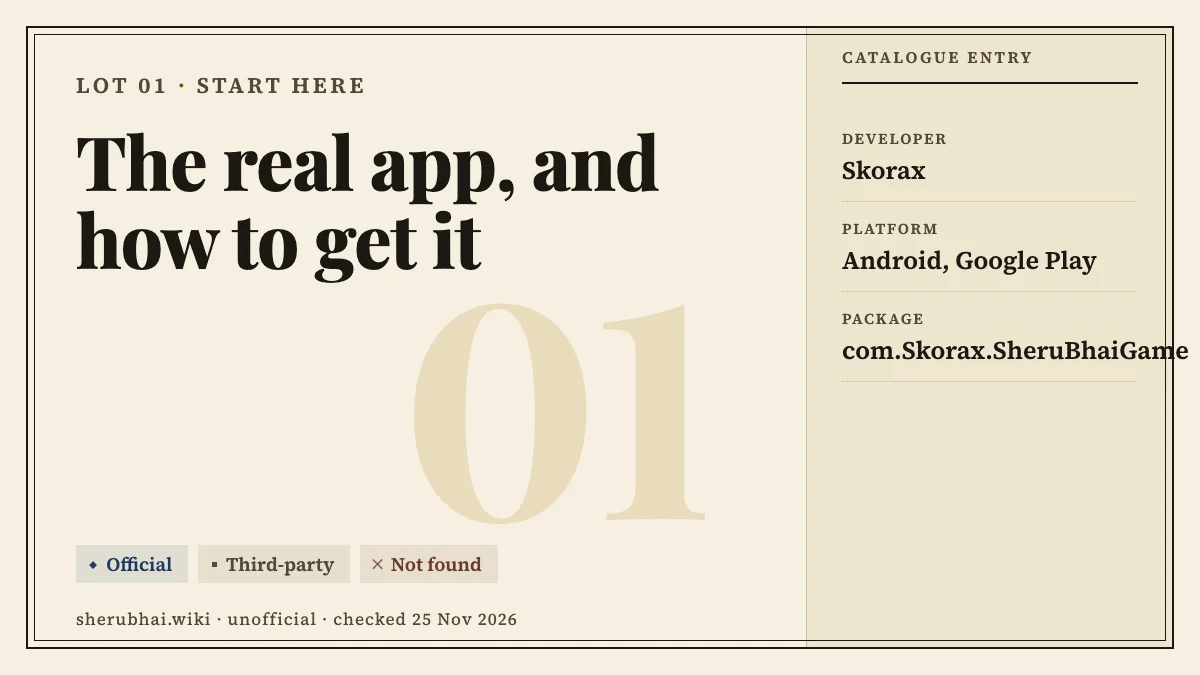 Sheru Bhai Game Download: How to Get the Real Skorax App
Skorax's Sheru Bhai Life Simulator Game is on Google Play for Android and Google Play Games on PC. Package com.Skorax.SheruBhaiGame.
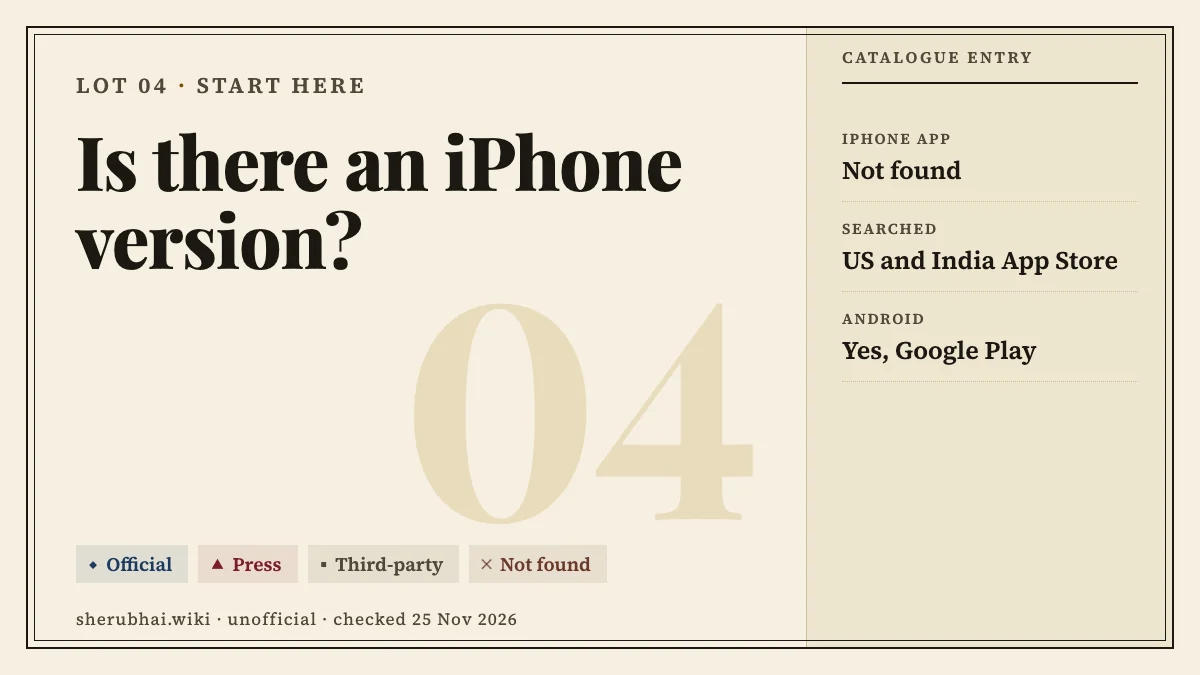 Sheru Bhai Game on iPhone: Is There an iOS Version?
No App Store listing for Skorax's Sheru Bhai game in US or India searches. Google Play shows Android and Windows* only, 25 Nov 2026.
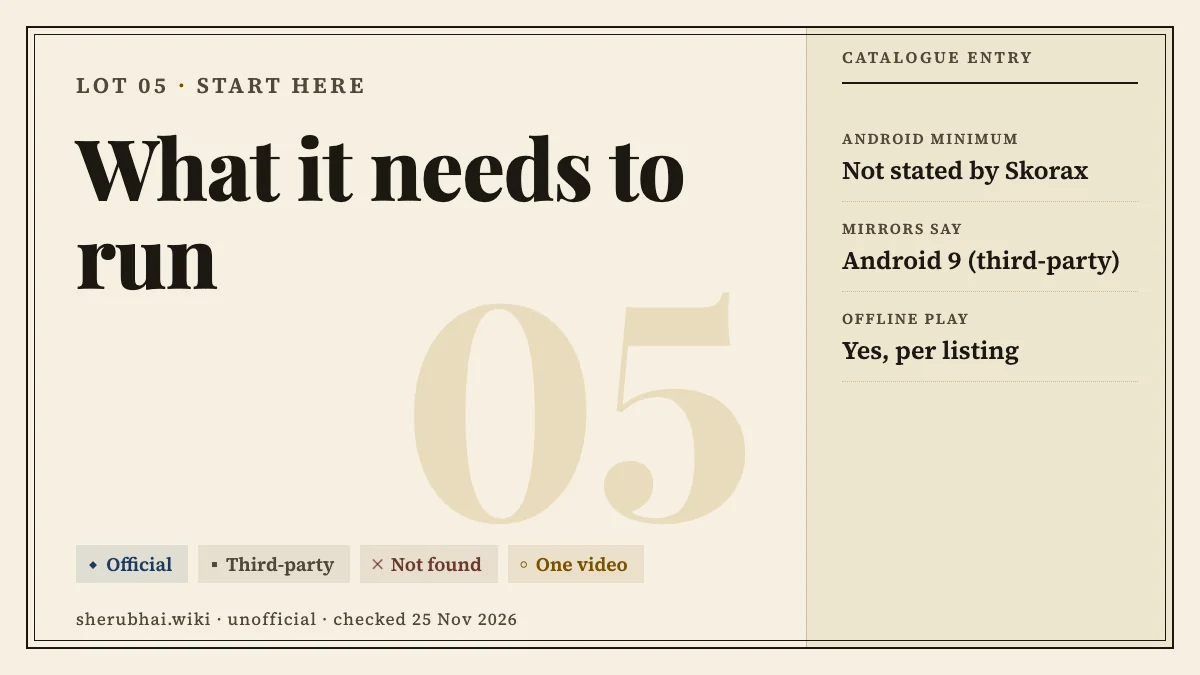 Sheru Bhai Game System Requirements: Android and PC
No Android minimums from Skorax on Play; mirrors cite Android 9 and ~240 MB. Google PC specs; offline, no account, 25 Nov 2026.
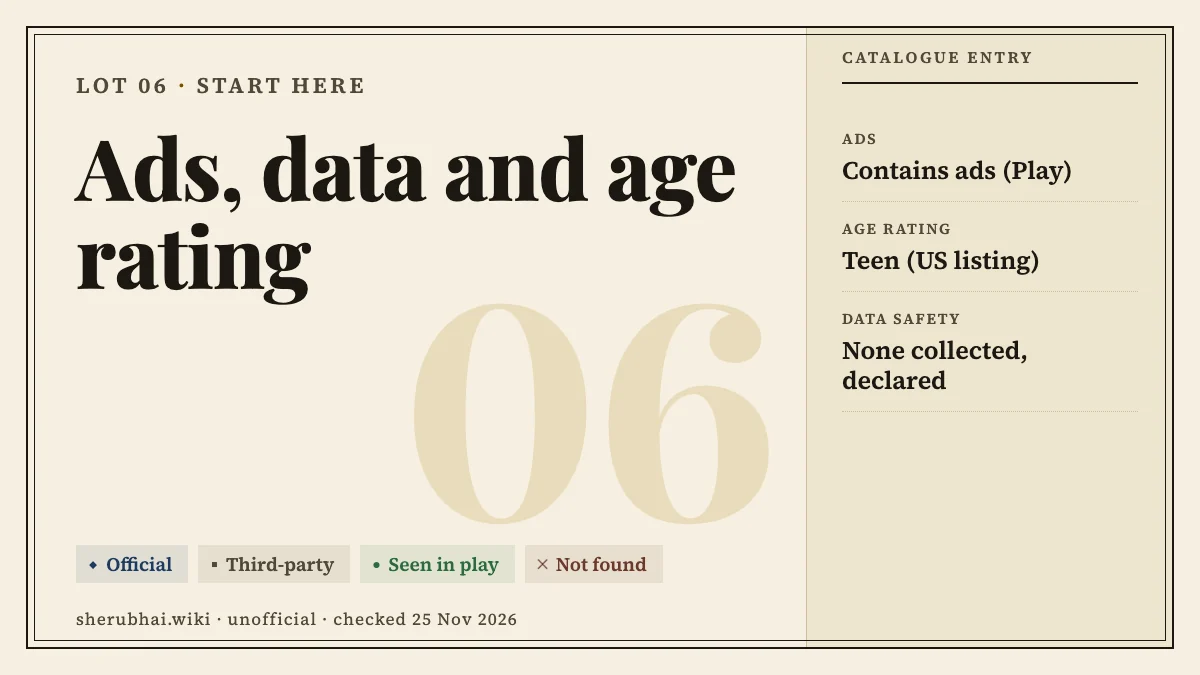 Is Sheru Bhai Game Safe? Ads, Data Safety and Age Rating
Google Play shows Contains ads, Teen, no data collected on Skorax's app. Four same-name apps say they may collect location and device IDs.